Colors and favorites
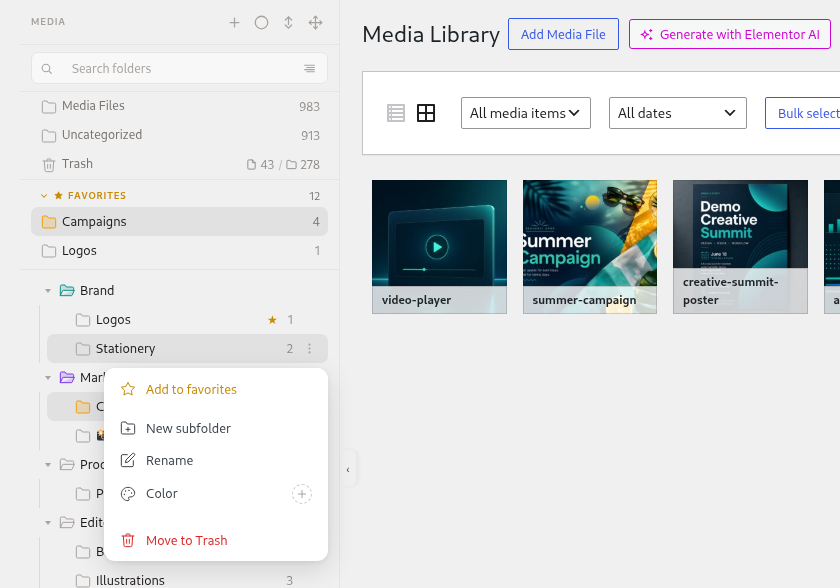
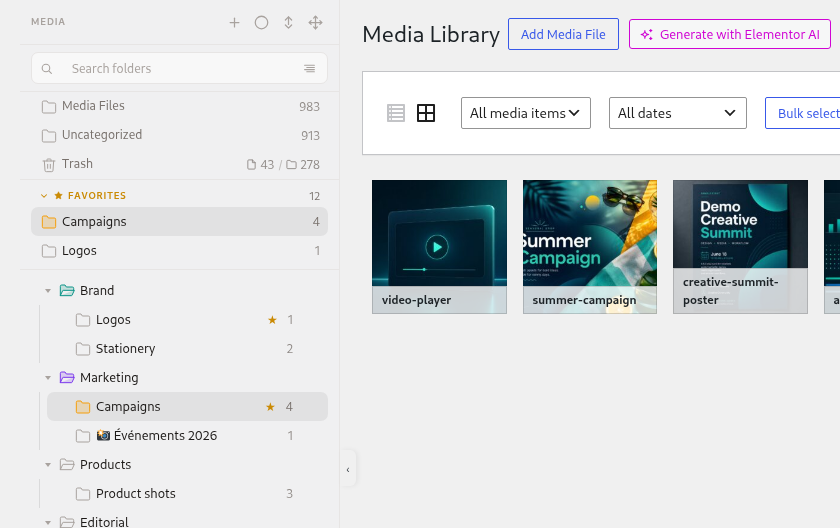
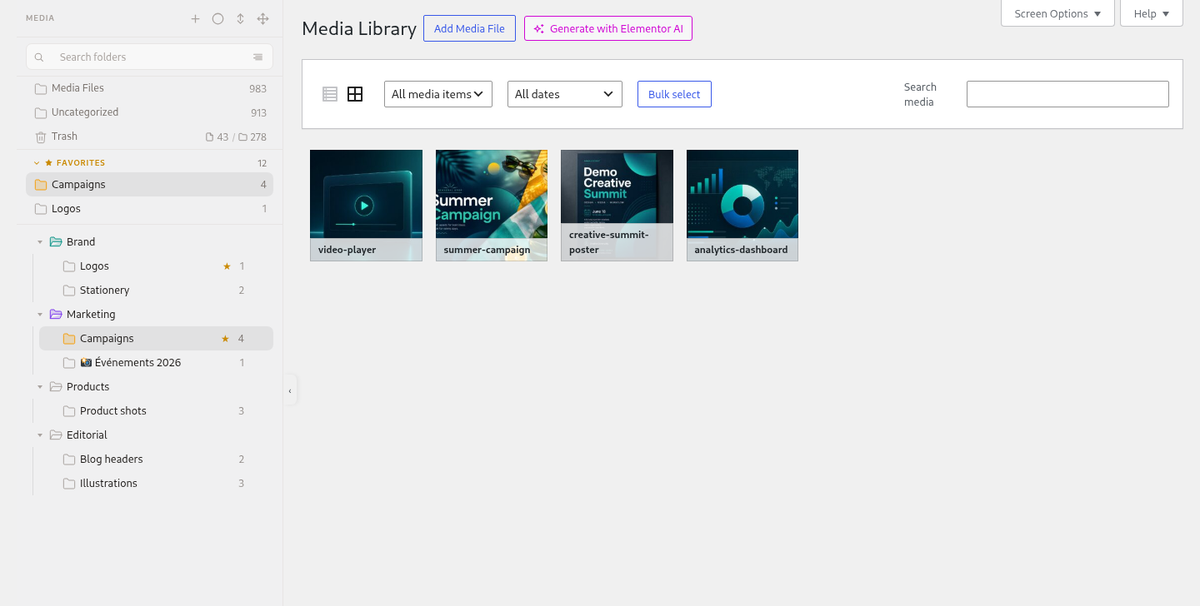
FreeMark the folders you use every day so they stand out and stay on top.
Give folders a color and pin the important ones to Favorites at the top of the tree. Everything is one right-click away.
How it looks
Who it is for
- Editors who return to the same three folders all day.
- Teams that color-code by client, brand or status.
- Anyone with a deep tree who wants shortcuts.
What you get today
- Folder colors and favorites in Plathix Free, per user.
- Favorites are shown in the Overview and at the top of the Media Library tree.
- Right-click and keyboard support for the whole tree.
Try Plathix Free. This page is a short preview while the full feature page is being written.