File update workflow
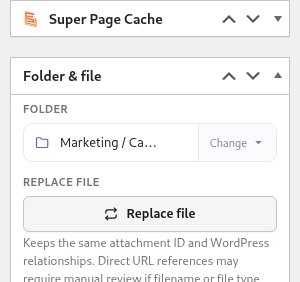
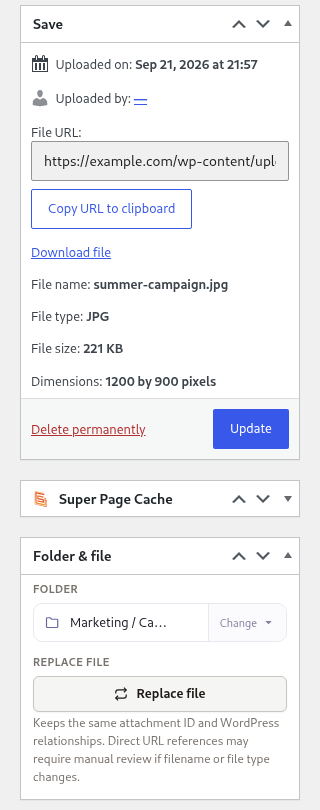
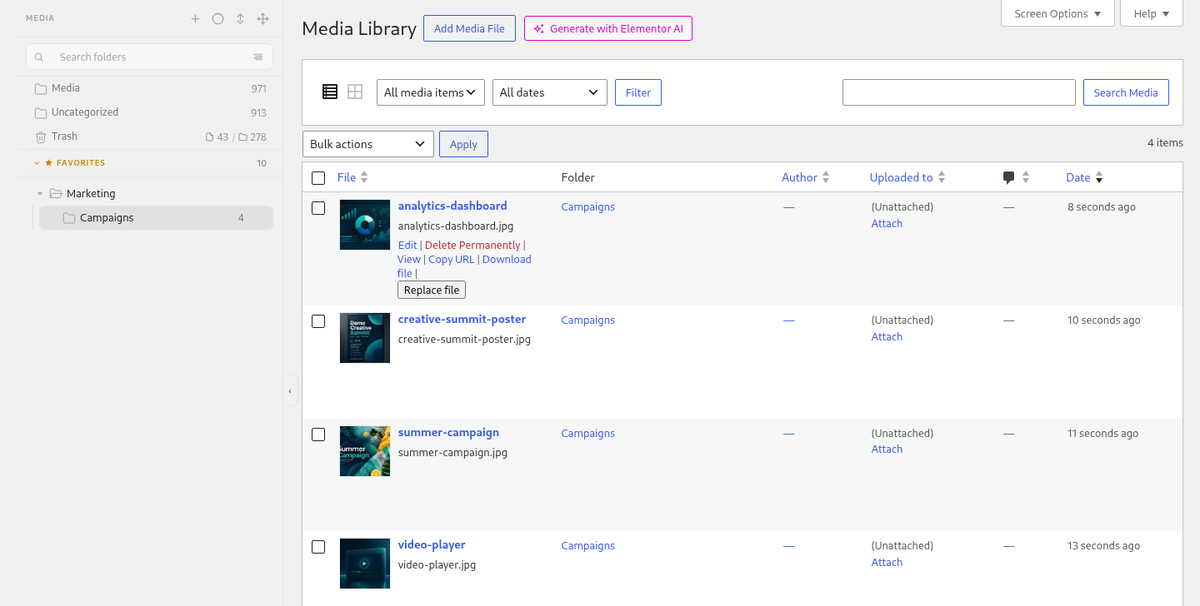
FreeUpdate a file in place. Keep the attachment ID and every place it is used.
Replace the file behind an attachment instead of uploading a new copy and relinking it everywhere. Price lists, logos and banners change; their attachment ID does not.
How it looks
Who it is for
- Marketing teams that refresh banners and price lists regularly.
- Stores with product images that change each season.
- Anyone who has ended up with four copies of the same PDF.
What you get today
- Replace media in Plathix Free, keeping the attachment ID.
- Keep the same file type for the most predictable result.
- After replacing, check the pages that use the file and clear any cache or CDN.
Try Plathix Free. This page is a short preview while the full feature page is being written.