Theme + builder
Divi compatibility
TestedDivi 5 was the active theme on one of the test sites in both runs, so every other check on that site already ran with Divi loaded. The Visual Builder’s own media picker shows the folder tree, clicking a folder shows that folder’s files, and editing text inside modules works as usual.
Versions and environment
| WordPress | 7.1 |
|---|---|
| PHP | 8.4.6 |
| Plathix | 1.0.0 Free (build 2ad782a8, 8 Sep 2026) |
| Divi | 5.2.0, active theme |
| Test run | FREE-REGRESSION-2026-09-09, Visual Builder picker checks repeated on 22 Sep 2026, browser automation against a live site |
What was checked
| ID | What we did, and what happened | Result |
|---|---|---|
| CM6.1 | In the Visual Builder, open the page settings and click Add Image for the featured image. The picker shows the full folder tree, and clicking a folder shows only its files. | Passed |
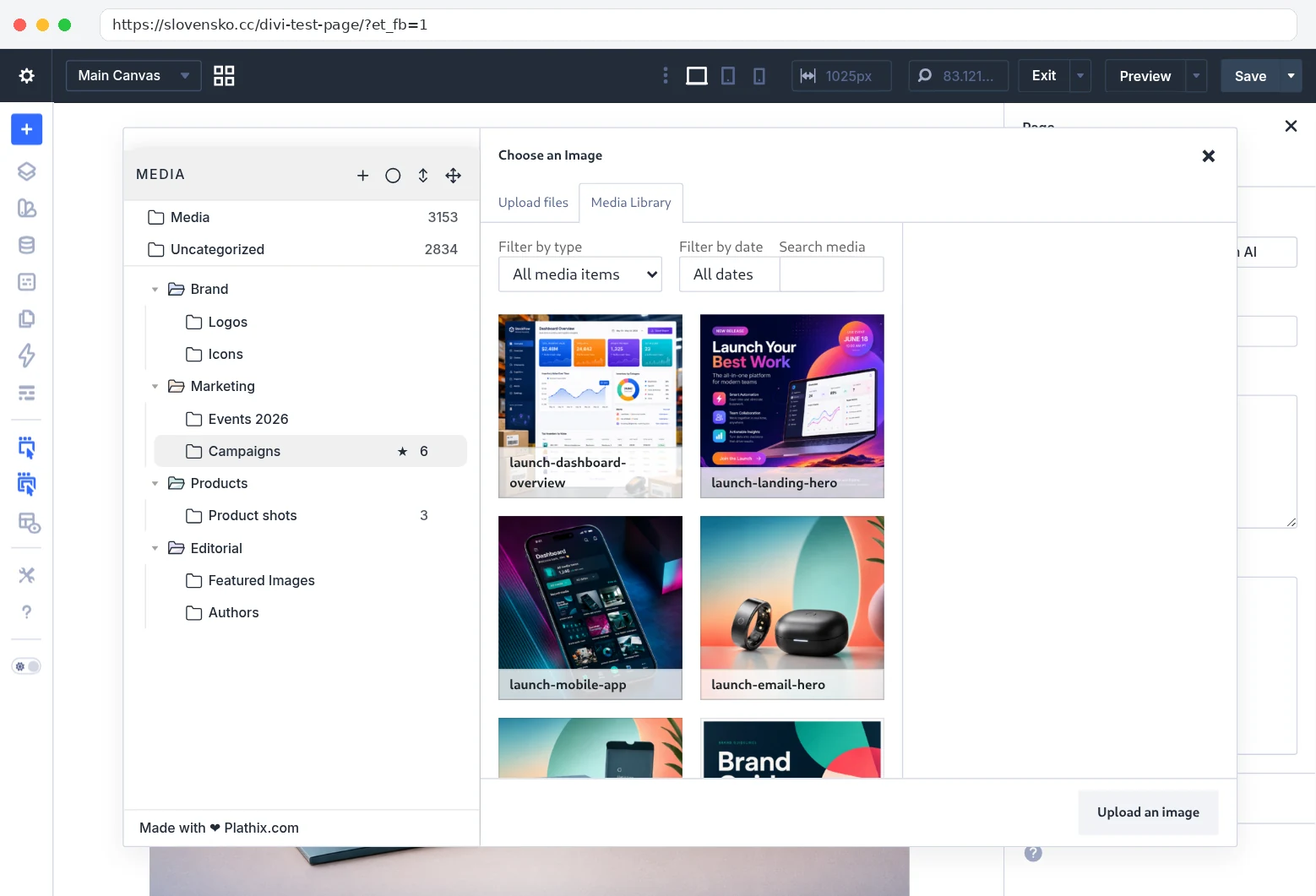
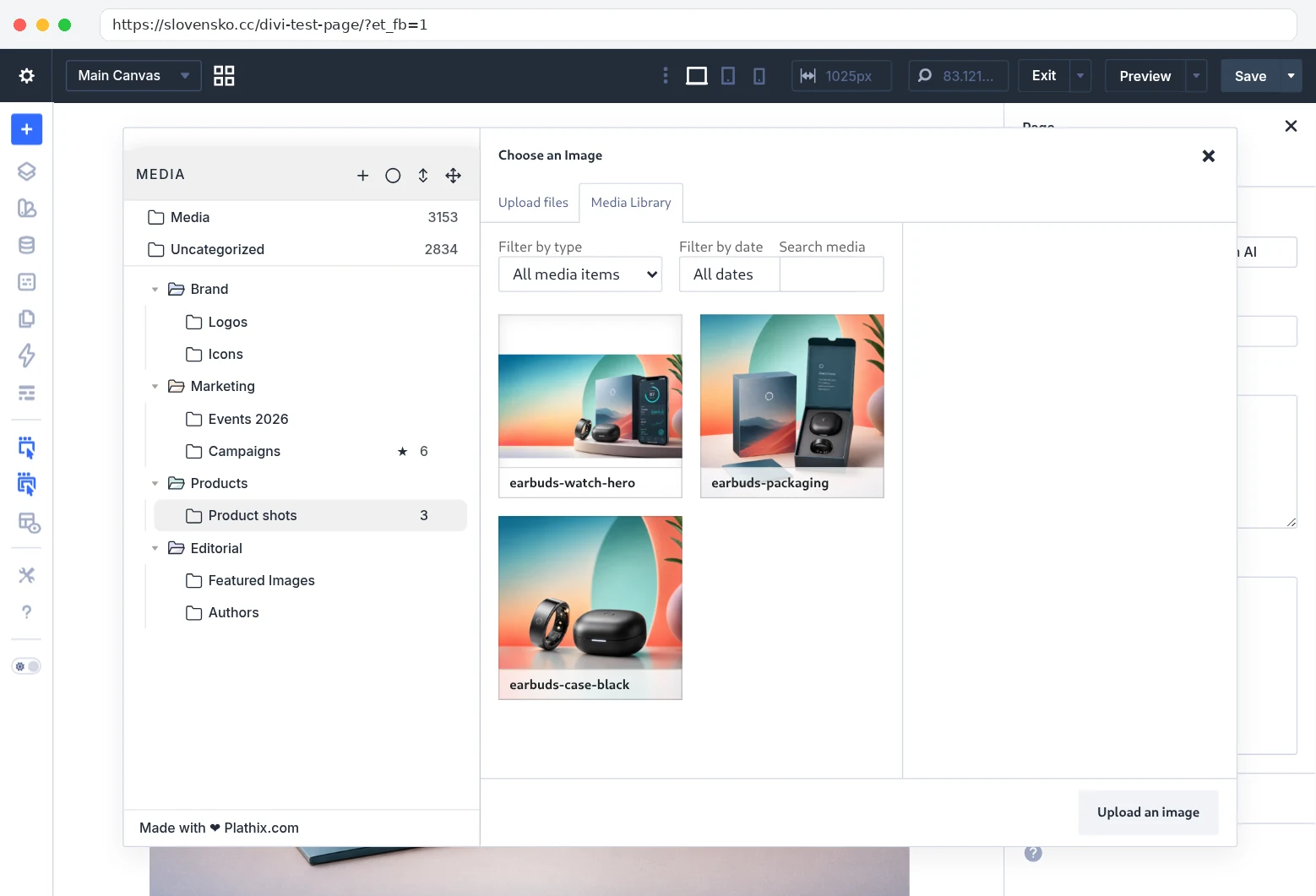
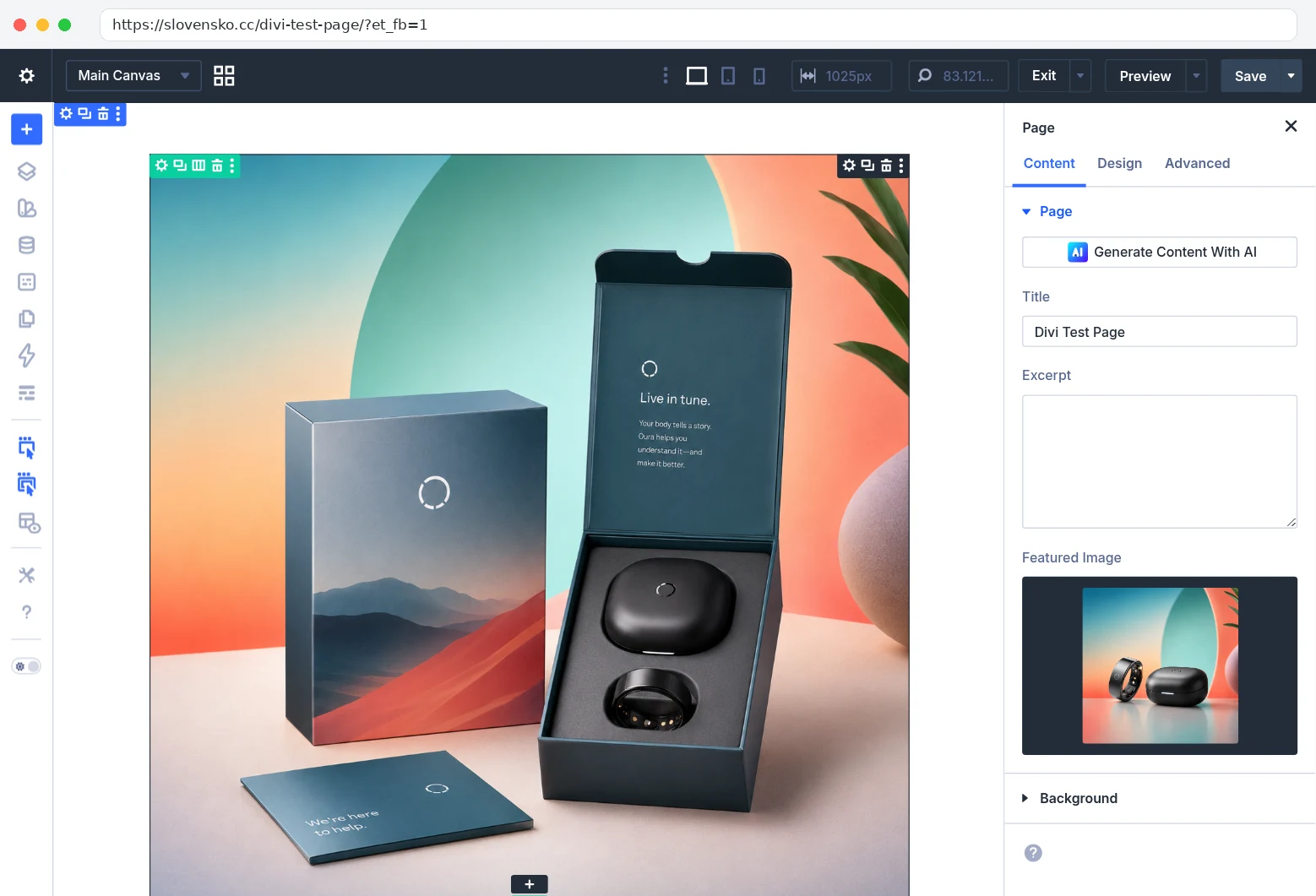
Show proofHow we checked. On a page with Divi as the active theme we opened the Visual Builder, then Page Settings → Featured Image → Add Image. In the picker we clicked Marketing → Campaigns, then Products → Product shots, then picked a file from Campaigns. What you see. First: the picker with Campaigns open, 6 files in the grid and 6 next to the folder name. Second: Product shots open, only its 3 files. Third: the picker closed and the chosen image sits in the Featured Image field of the page settings. 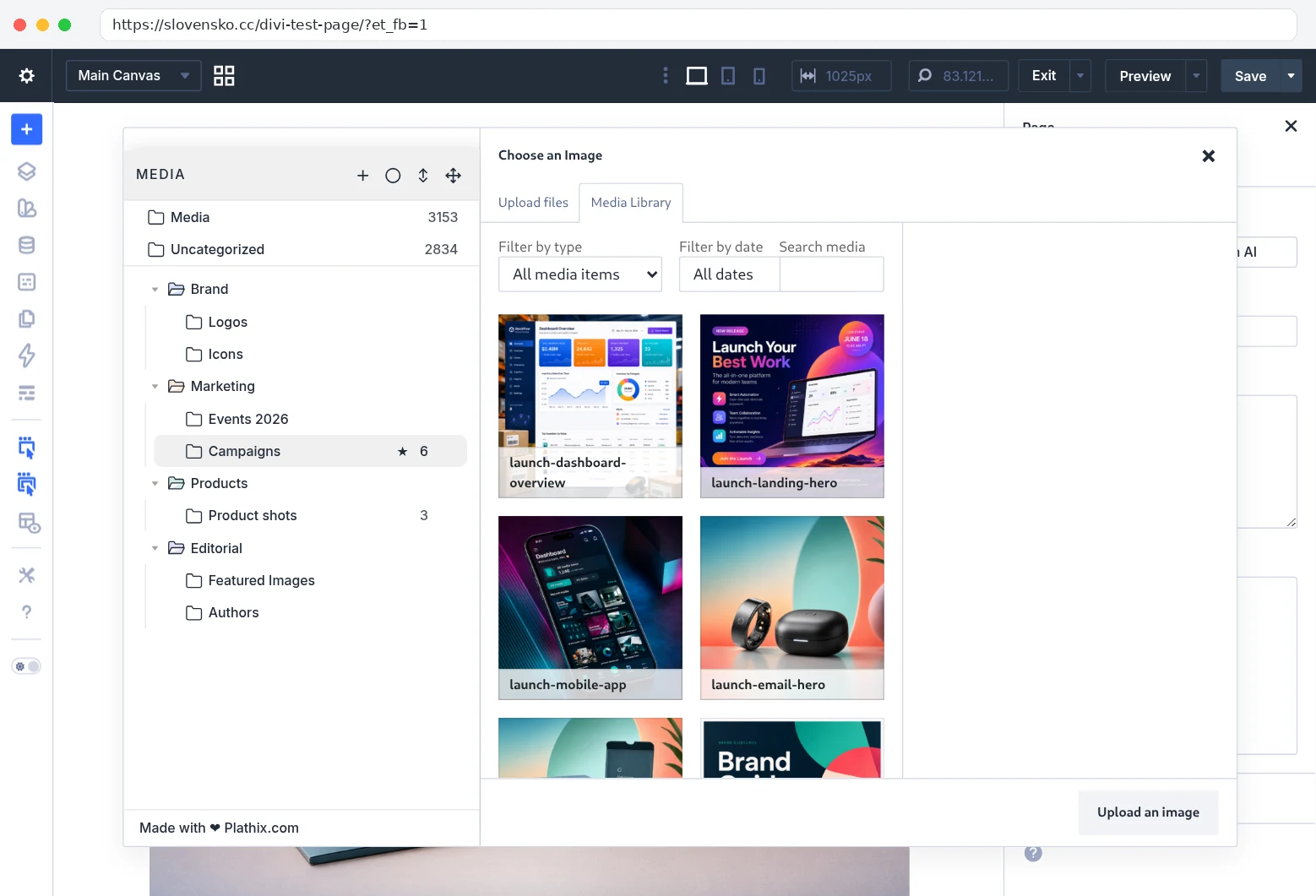
Recorded on 22 Sep 2026 on slovensko.cc: WordPress 7.1.2, Divi 5.2.0, Plathix 1.0.0 Free. |
||
| M2 | Add an image to a module through Divi’s picker, choosing a file from a folder. The image appears on the canvas. | Passed |
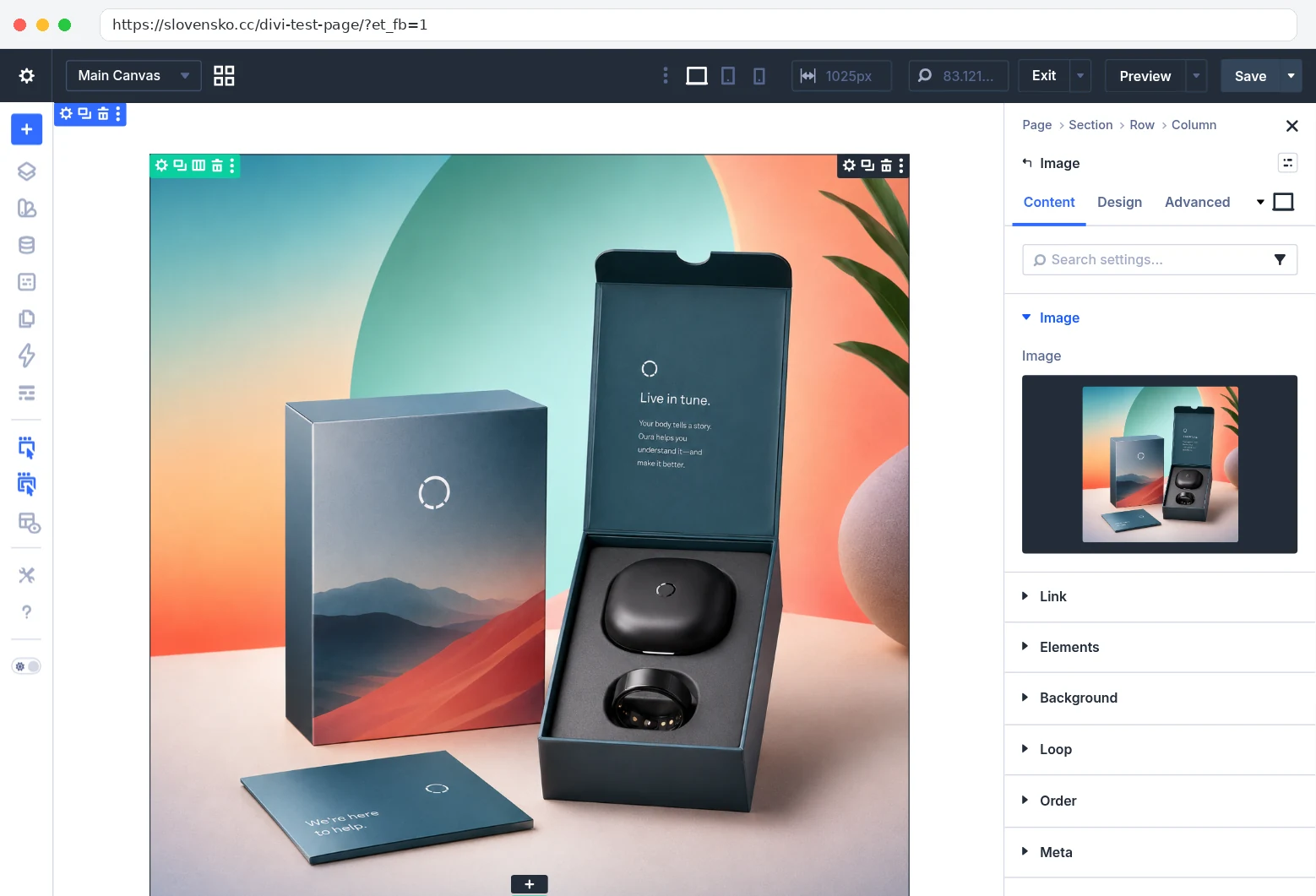
Show proofHow we checked. We added an Image module to the page, opened its image setting and clicked Marketing → Campaigns in the picker. We selected launch-email-product.png and confirmed with Upload an image. What you see. Left: the picker with Campaigns open and the file selected, its details on the right. Right: the picker closed, the image on the Divi canvas and in the module’s Image field. 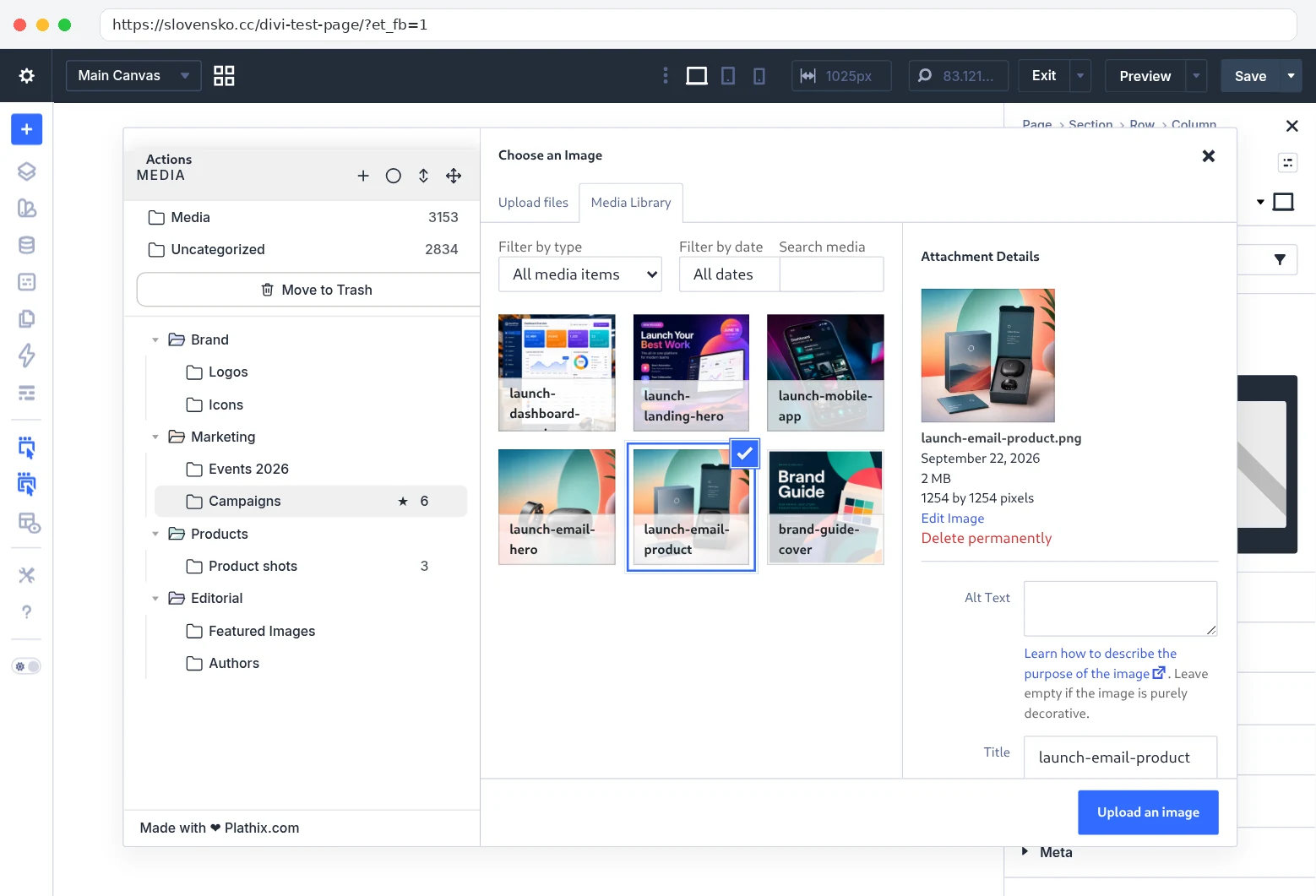
Recorded on 22 Sep 2026 on slovensko.cc: WordPress 7.1.2, Divi 5.2.0, Plathix 1.0.0 Free. |
||
| M2 | Select and edit text in a Text module with Plathix active. Nothing gets in the way. | Passed |
| PK6.6 | Edit a page with Elementor while Divi is the active theme (August run). Elementor’s picker shows the tree and selection works. | Passed |
| CM6.1 | Drag a module to a new position inside the Visual Builder. The module moves and stays where it was dropped, with Plathix active. Checked by hand on 22 Sep 2026. | Passed |
Known limitations
None found in the workflows we tested.
Test setup
- Install and activate Plathix. There is no Divi setting to turn on.
- In the Visual Builder, open any image setting and choose Media Library. The folder tree is in the left column.
Retest
Repeated on every Plathix release and on each Divi major release.